Overview
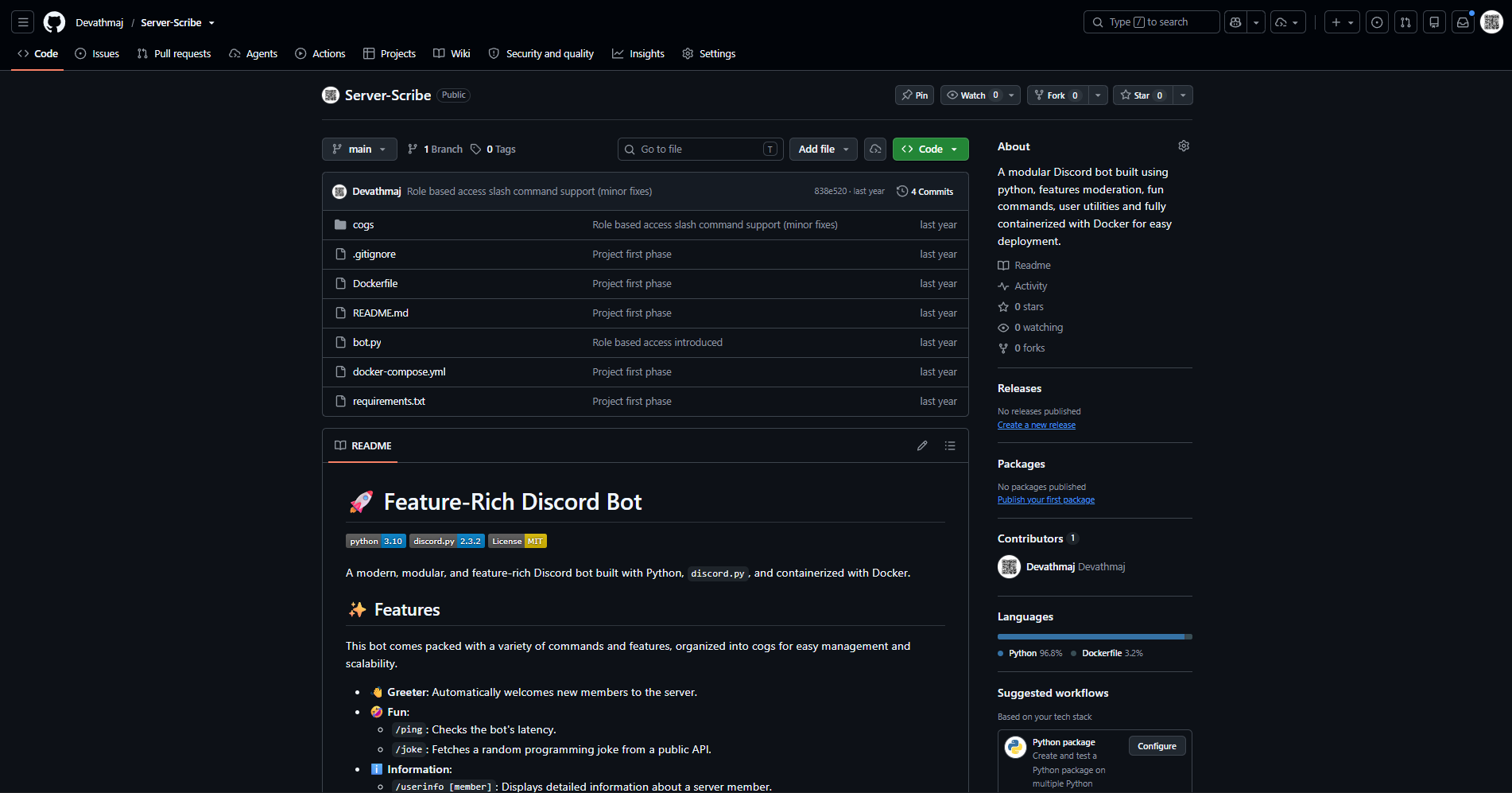
ServerScribe is a feature-rich Discord bot built with Python and discord.py. It is organised into cogs, so each area of functionality stays small, readable and easy to extend. The bot covers the everyday needs of a community server: welcoming new members, looking up information, running lightweight utilities and moderating members.
The whole project is containerised, which keeps deployment consistent across machines and makes the bot easy to run on a small server.
Commands
Greeter
Automatically welcomes new members when they join the server.
Fun
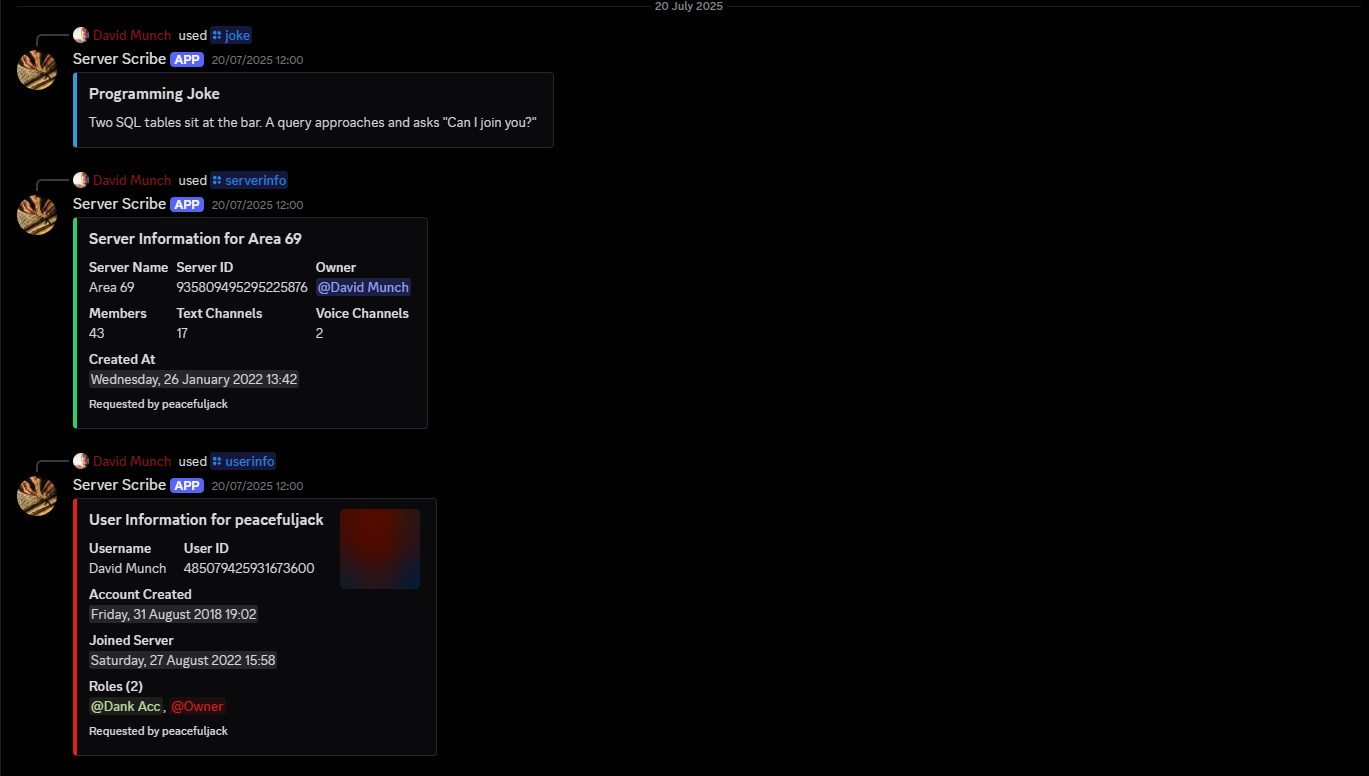
/ping- checks the bot’s latency./joke- fetches a random programming joke from a public API.
Information
/userinfo [member]- displays detailed information about a server member./serverinfo- displays detailed information about the server.
Moderation
/kick <member> [reason]- kicks a member. Requires the Kick Members permission./ban <member> [reason]- bans a member. Requires the Ban Members permission.
Project structure
The bot is split into a small entry point and a collection of cogs.
bot.pyloads the cogs and runs the bot.cogs/contains the greeter, fun, information and moderation modules.Dockerfileanddocker-compose.ymlbuild and run the container..envstores the Discord token.requirements.txtpins the Python dependencies.
This structure makes new features additive: a new cog can be dropped into the folder and loaded without growing a single monolithic command file.
Running it
The recommended path is Docker Compose:
docker-compose up --build -d
Create a .env file in the project directory with DISCORD_TOKEN=your_bot_token_here, then stop the bot with docker-compose down.
For local development, the same project runs with Python 3.10 or newer in a virtual environment, with dependencies installed from requirements.txt.