Overview
Instagram lets you request a copy of your data as a ZIP archive of JSON files. The export is comprehensive but not friendly: it is spread across folders, named inconsistently and full of data that is hard to interpret without a map.
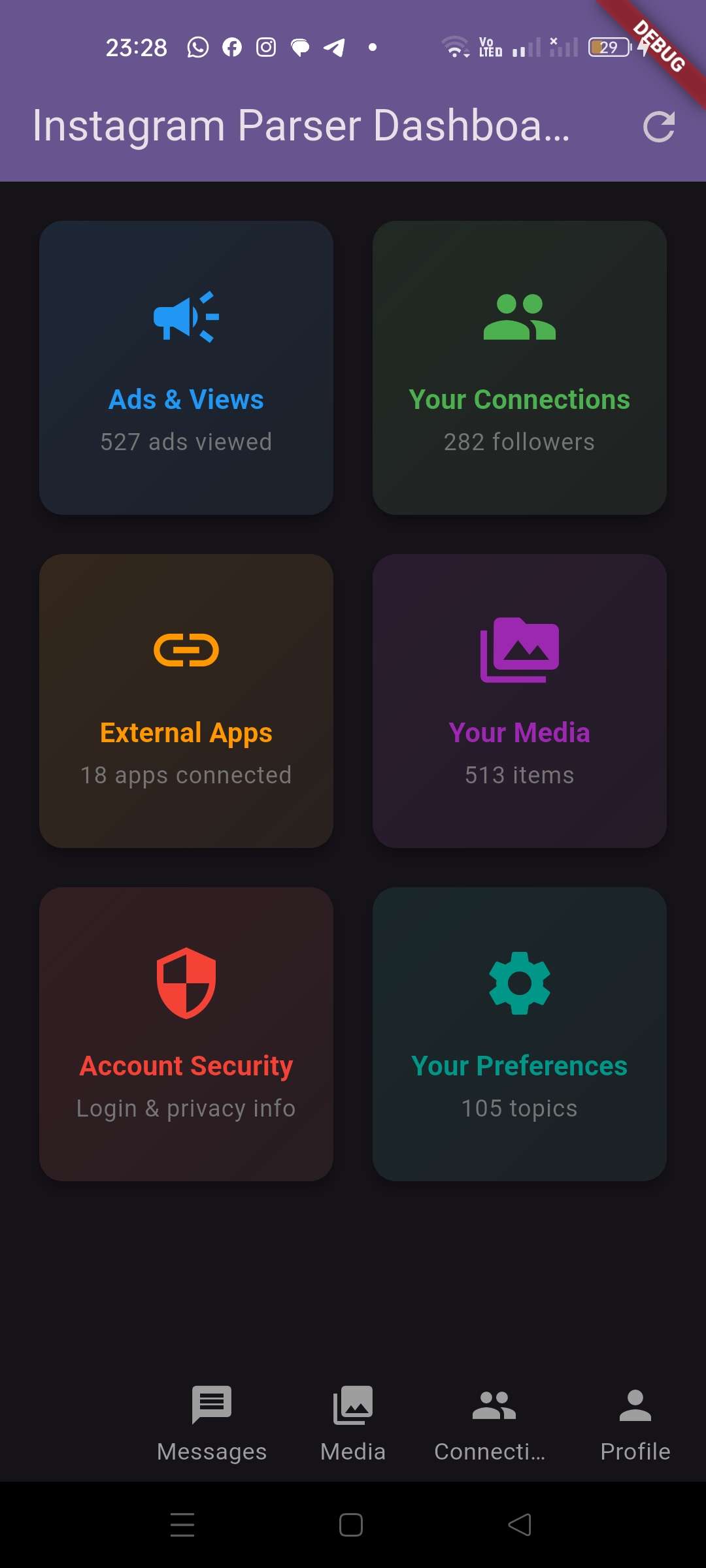
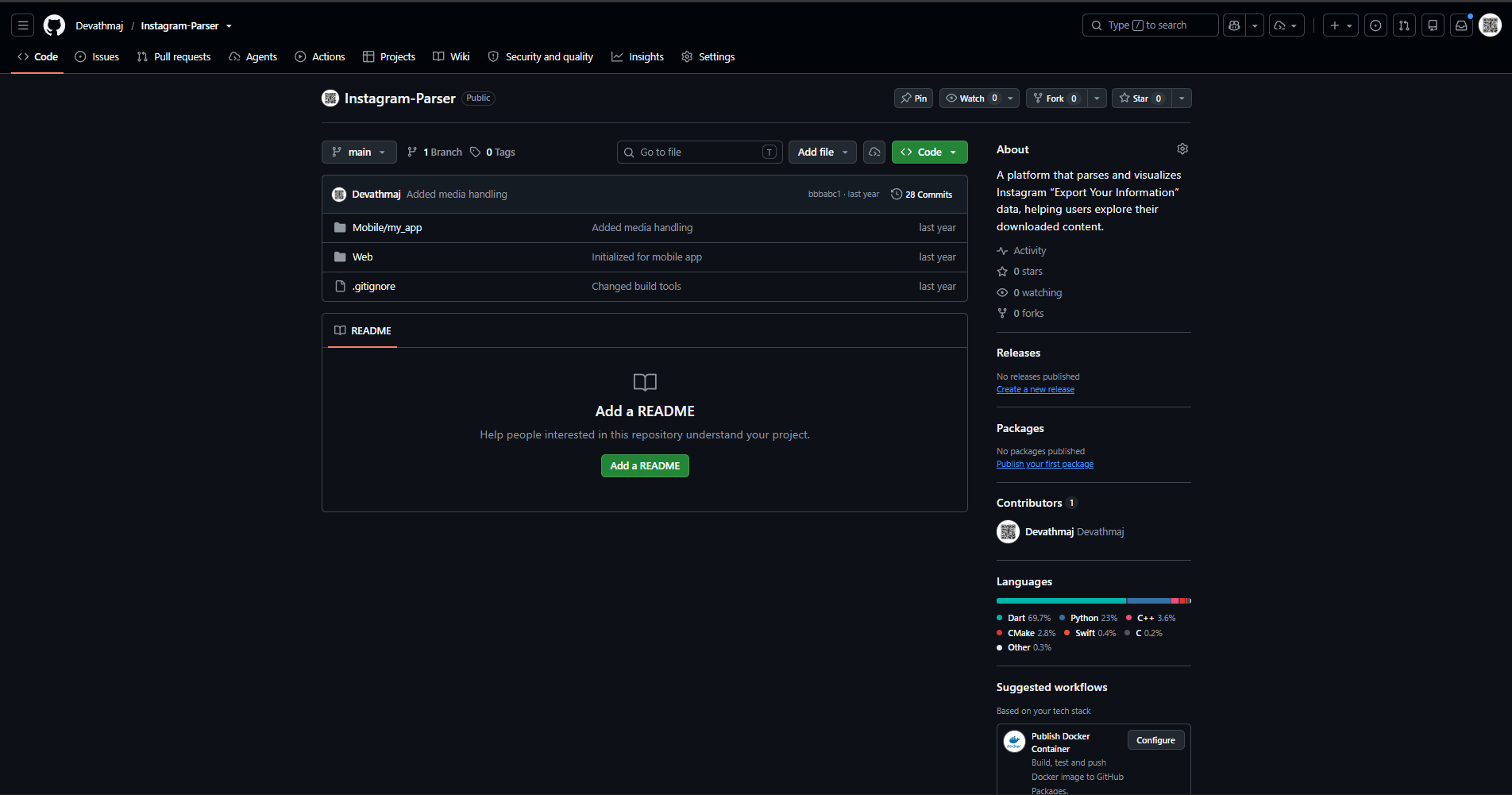
Instagram Parser turns that export into a browsable, human-readable dashboard. A Flutter mobile app presents account data, media, connections and activity inside a native interface, while a companion Python CLI handles the same data for analysis.
What you can explore
- Dashboard: At-a-glance summary cards with counts and quick navigation.
- Media: Posts, reels, stories, archived posts and profile photos, with full-screen images and local video playback.
- Connections: Followers, following, follow requests, close friends, blocked and restricted accounts and synced contacts.
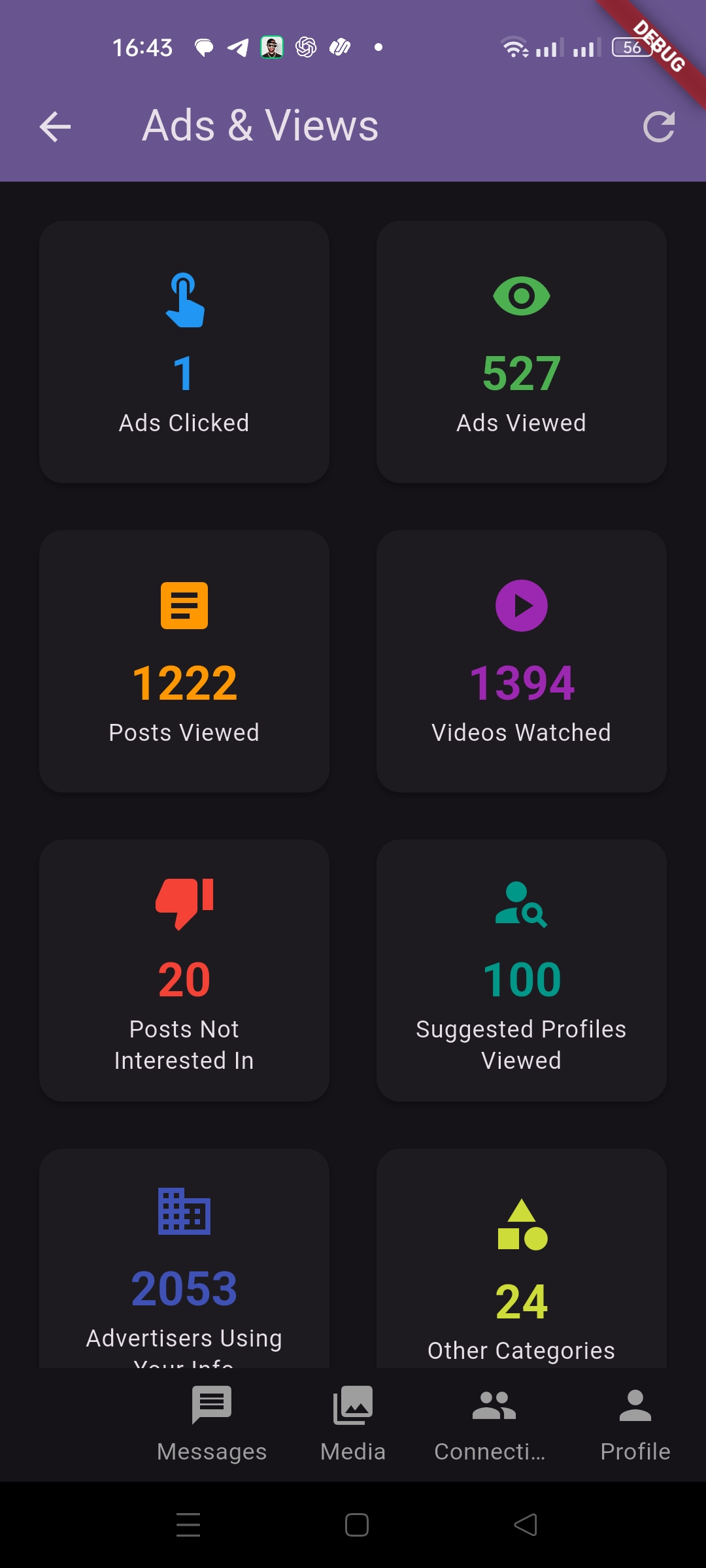
- Ads and views: Ads viewed or clicked, posts viewed, videos watched, advertisers using your information and off-Meta activity.
- Security: Login and logout activity, password and privacy changes, signup details and last known location.
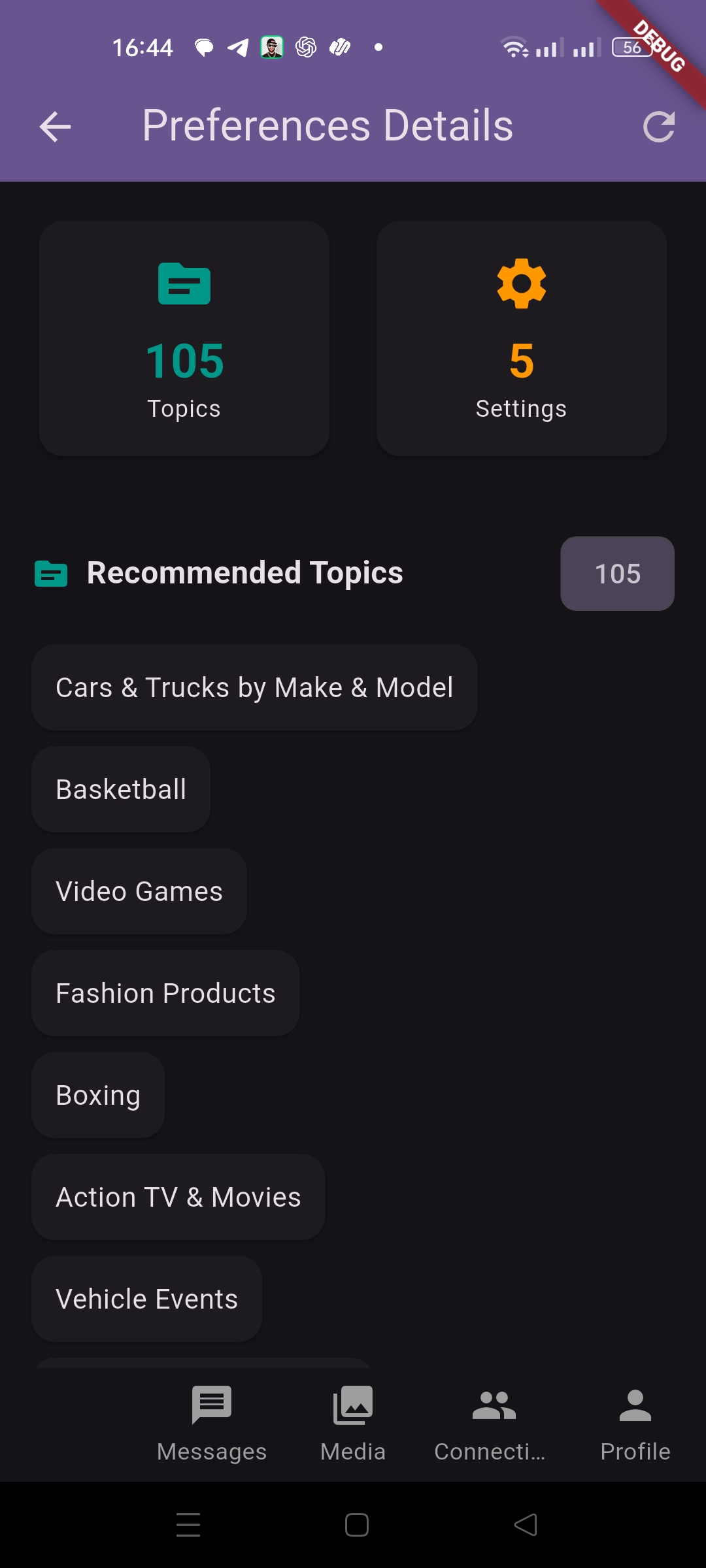
- Preferences: Notification settings, filtered keywords, allowed commenters, consents and topics.
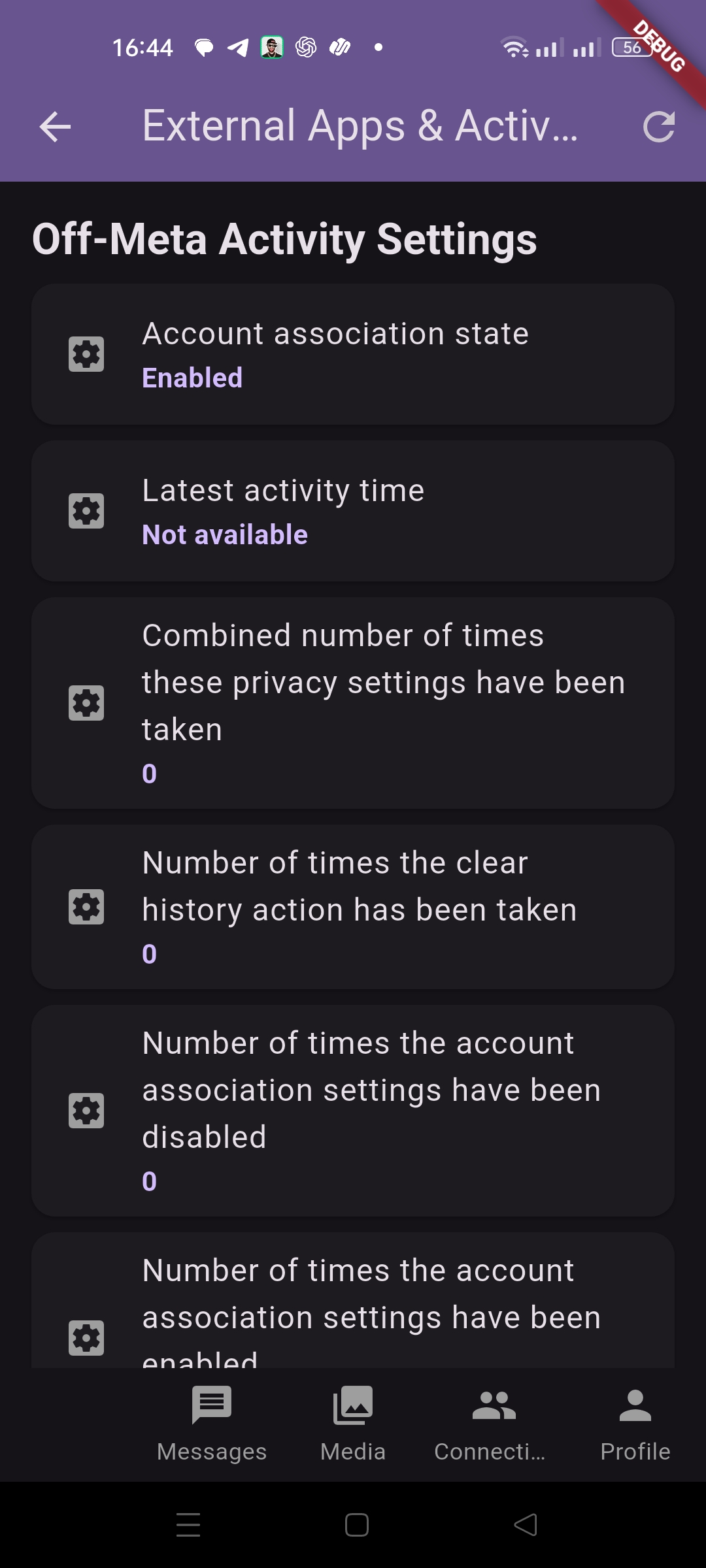
- External apps: Apps and websites connected through Meta.
- Profile and personal information: Device information, profile changes, locations of interest and related account details.
- Search and link history: Recent searches and link history records.
How it works
The export is expected to be already extracted on the device. The app finds the account folder inside the meta-<timestamp> directory and maps every known JSON file through a central path configuration.
A FileLoader reads and decodes each file, repairs Unicode escapes so emojis render correctly and caches the result in memory. Riverpod providers expose the parsed data to the screens, which render it as cards, lists and media galleries. Navigation uses go_router and the UI follows Material 3 with light and dark themes.
The app is local-first. Data stays on the device and nothing is uploaded.
Notes and limitations
The app is designed around the folder layout of Instagram’s JSON export. Meta occasionally changes file names, so the path configuration may need updating if a section appears empty. Messages are not parsed yet and the export path is currently configured for a specific account layout and should be generalised before distribution.